
Run Python Online
Full Remote Python Environment
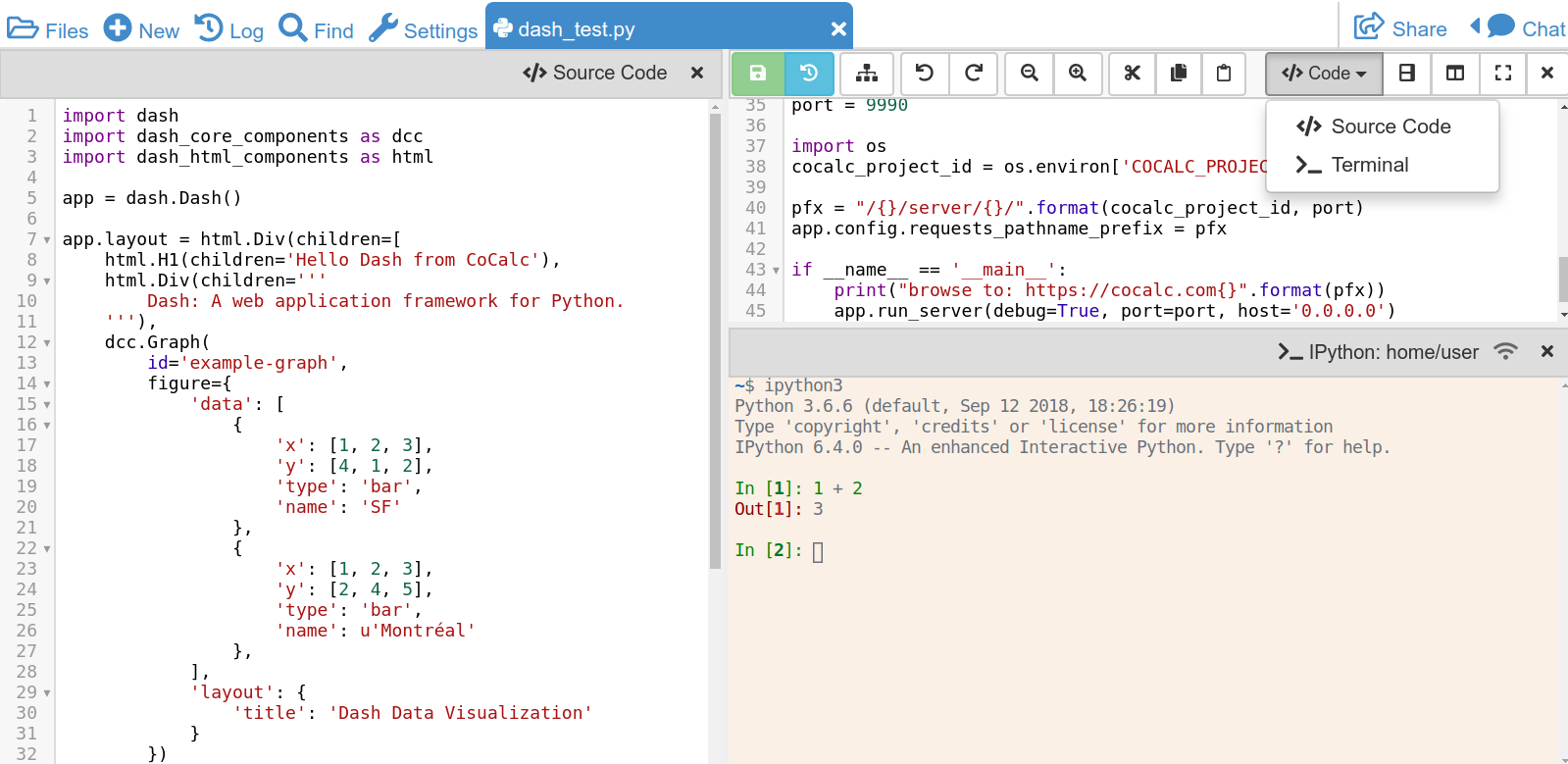
CoCalc offers a lot for working with Python:
- Data Science and Machine Learning: Upload your datafiles and analyze them using Tensorflow, scikit-learn, Keras, ... including an Anaconda environment.
- Mathematics: SymPy, SageMath, ...
- Statistics: pandas, statsmodels, rpy2 (R bridge), ...
- Visualization: matplotlib, plotly, seaborn, ...
- Teaching: learn Python online or teach a course.
Find more details in the list of installed Python libraries.
Zero setup
- No need to download and install Python, Anaconda, or other Python environments.
- CoCalc already provides many packages for you.
- The LaTeX editor is already integrated with PythonTeX or SageTeX
- No longer update/maintain everything on your own
To get started,
- Sign up and create a project
- Start working by creating or uploading, Jupyter Notebooks or Python scripts.
Collaborative Workspace
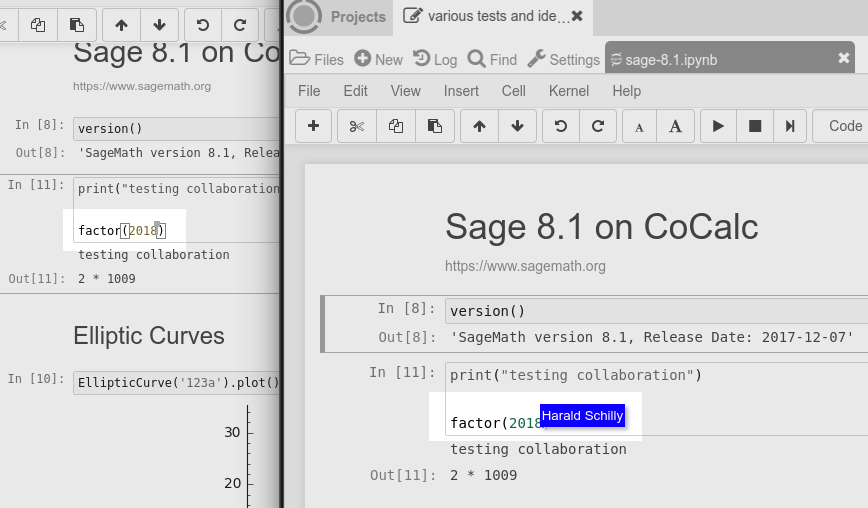
CoCalc's strength is online code collaboration. This is a common theme for editing plain Python files, Sage Worksheets and Jupyter Notebooks.
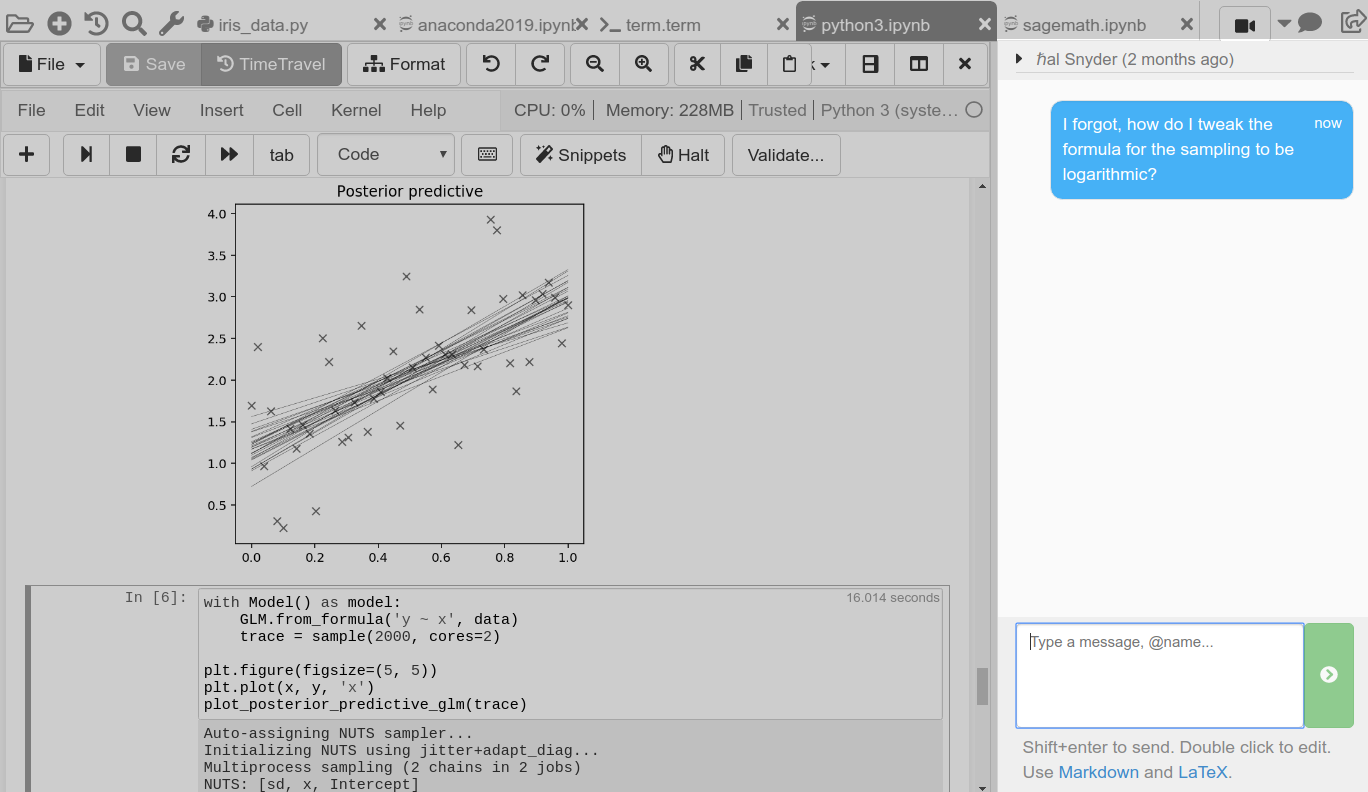
This enables you to work more effectively as a team to solve the challenges of data science, machine learning and statistics. Every collaborator is always looking at the most recent state of files, experiences and inspects the same problems at the same time, and you can get help via side chat by "@name" mention a collaborator.
Start free, upgrade later
A new project runs under a free plan (unlimited trial) has a quota of 1.0 GB memory and 3.0 GB of disk space. Purchasing a subscription and upgrading your projects makes hosting more robust and increases its quotas.
or sign in with your account
Python in Jupyter Notebooks
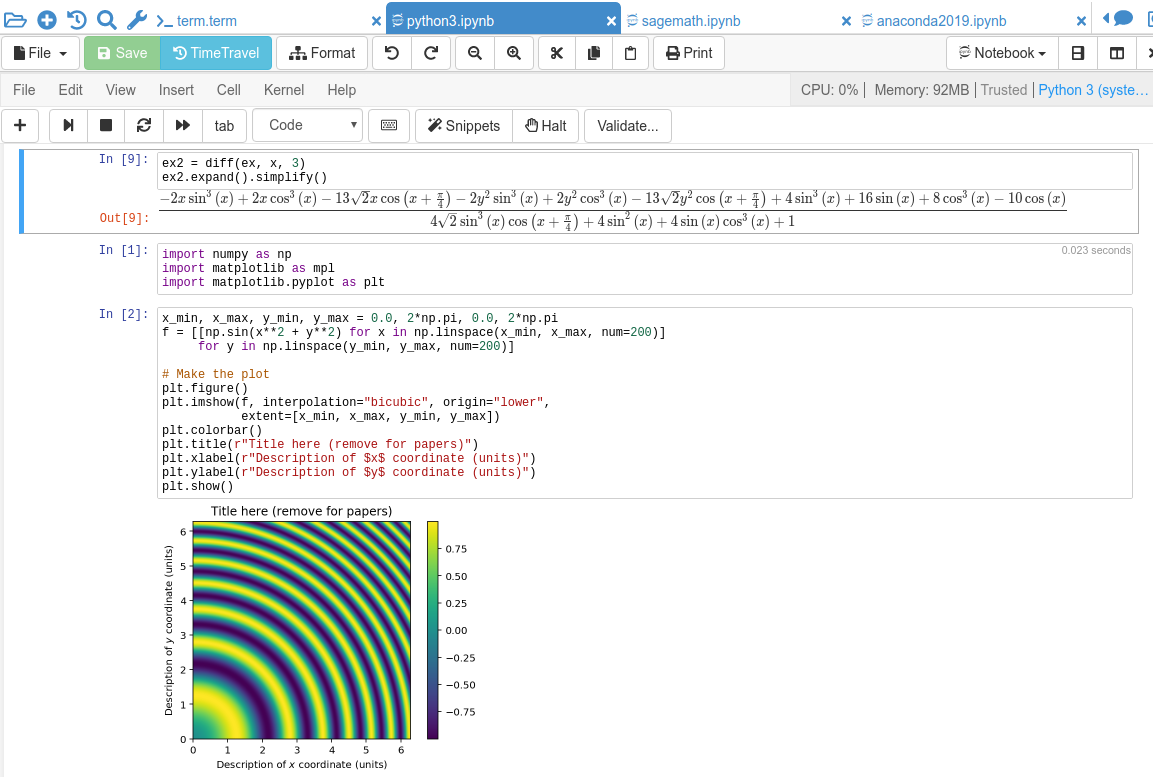
*.ipynb file at any time and continue working in another environment.LaTeX support for PythonTeX/SageTeX
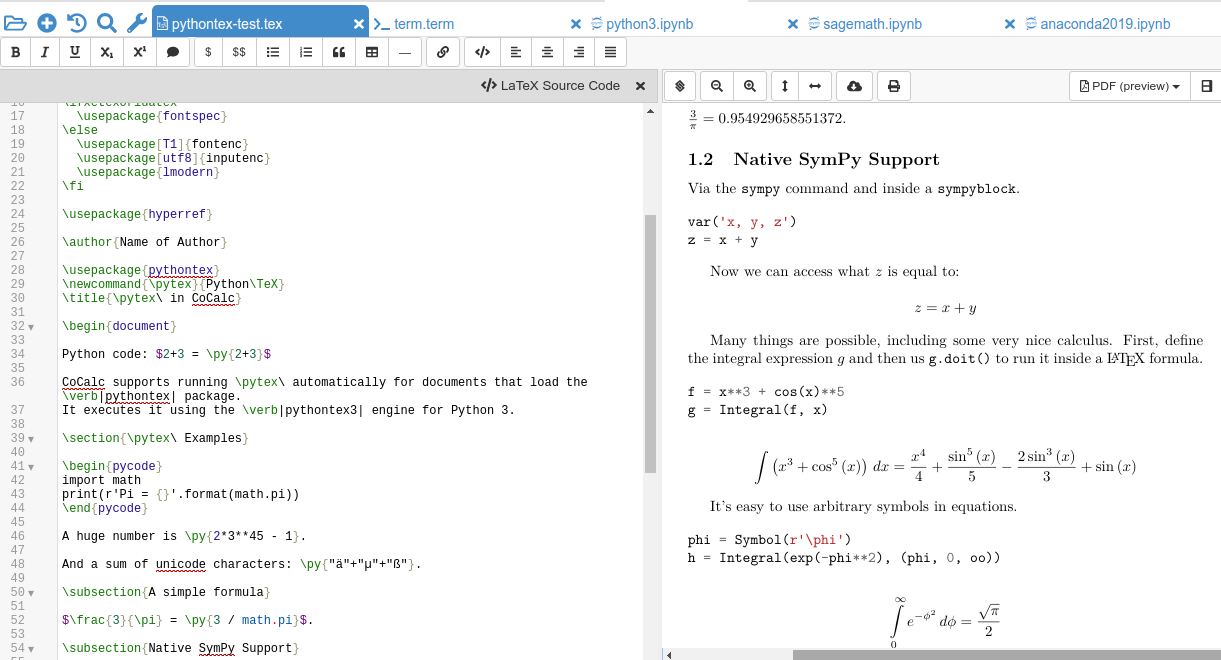
.tex files containing PythonTeX or SageTeX code. The document is synchronized with your collaborators in real-time and everyone sees the very same compiled PDF.- Manages the entire compilation pipeline for you: it automatically calls
pyhontex3orsageto pre-process the code, - Supports forward and inverse search to help you navigating in your document,
- Captures and shows you where LaTeX or Python errors happen,
- and via TimeTravel you can go back in time to see your latest edits in order to easily recover from a recent mistake.
- Upload or fetch your datasets,
- Use Jupyter Notebooks to explore the data, process it, and calculate your results,
- Discuss and collaborate with your research team,
- Write your research paper in a LaTeX document,
- Publish the datasets, your research code, and the PDF of your paper online, all hosted on CoCalc.
Code formatting
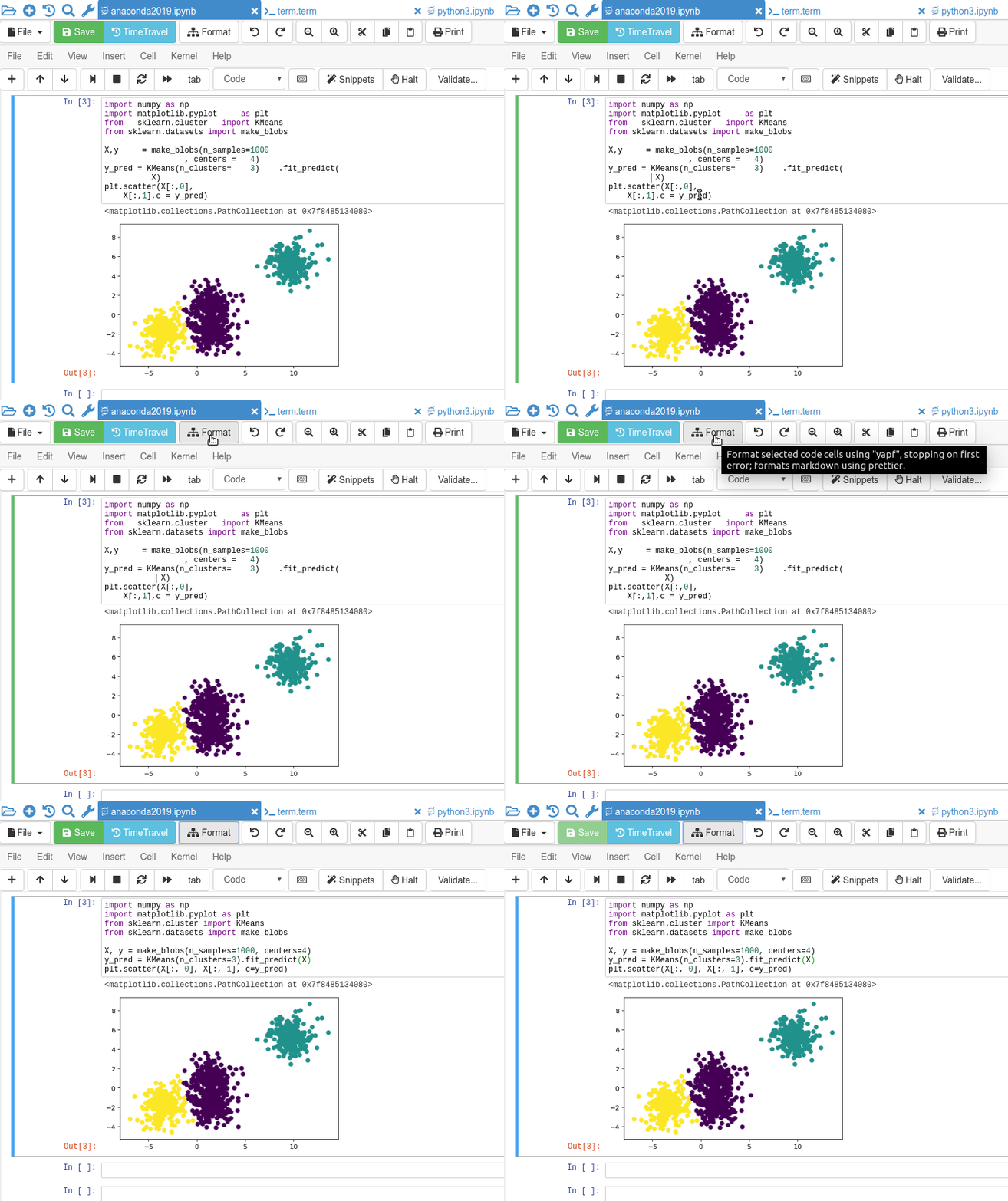
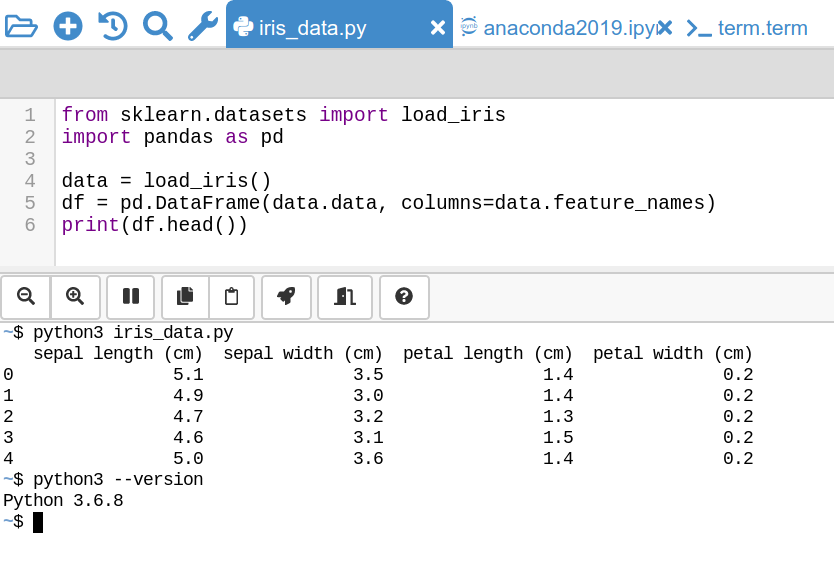
.py files and Jupyter Notebooks running a Python kernel. Command-line support
Chatroom for files
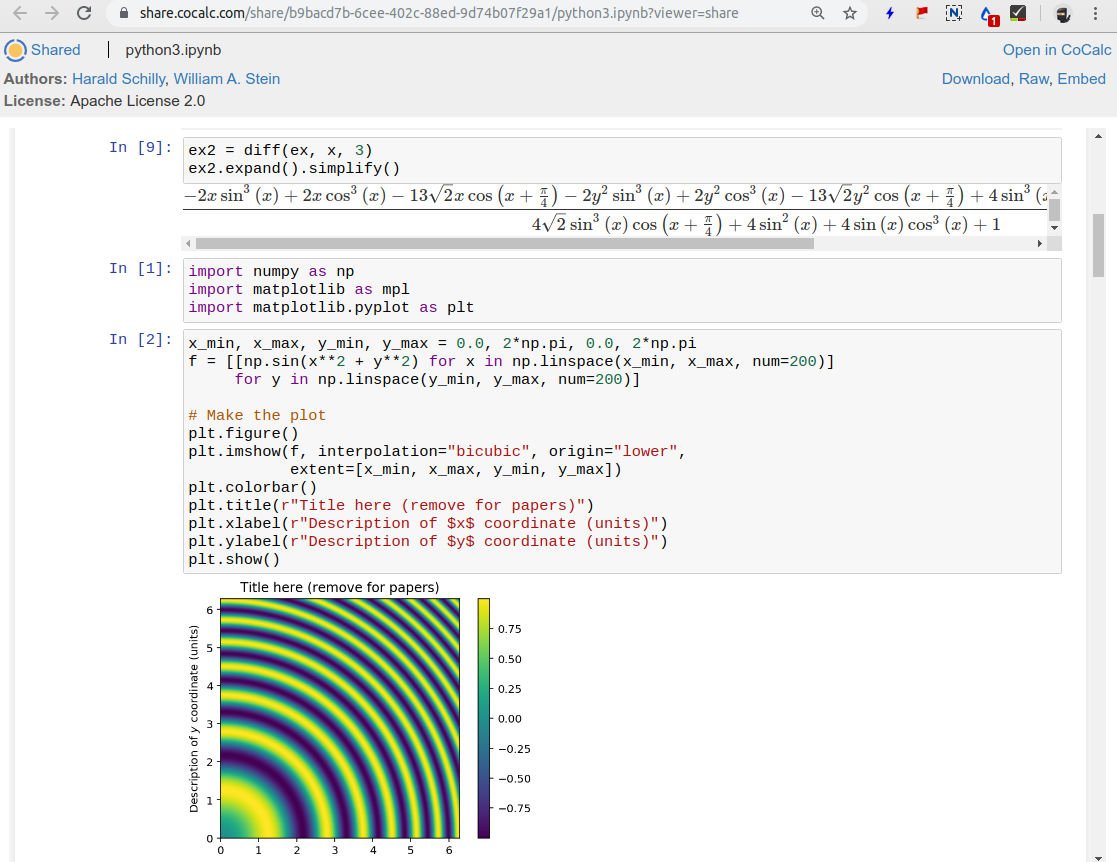
Publishing
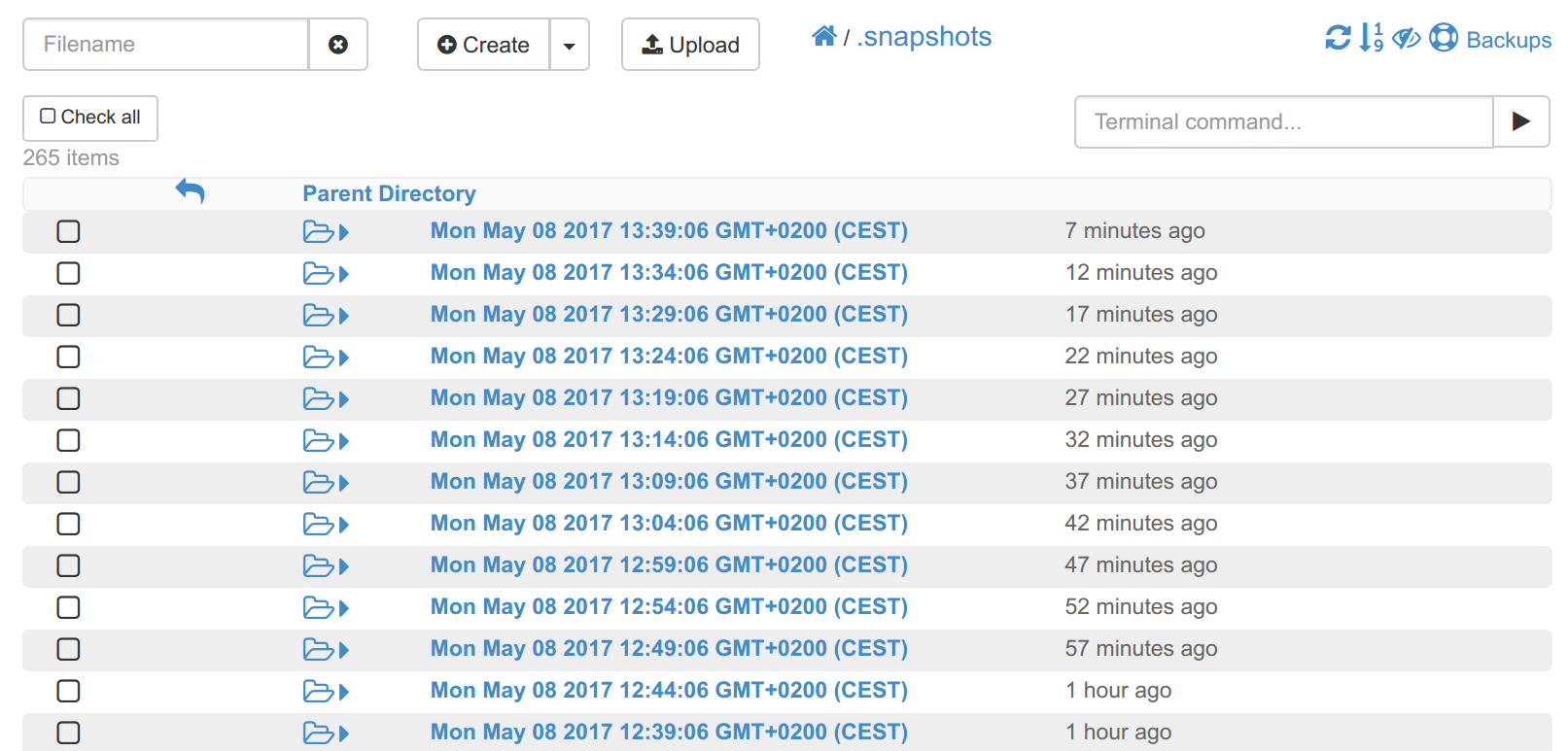
Backups
Start free, upgrade later
A new project runs under a free plan (unlimited trial) has a quota of 1.0 GB memory and 3.0 GB of disk space. Purchasing a subscription and upgrading your projects makes hosting more robust and increases its quotas.
or sign in with your account
