
Online computing environment
Intro to CoCalc by Mark Quinn (University of Sheffield)
CoCalc is a sophisticated online workspace
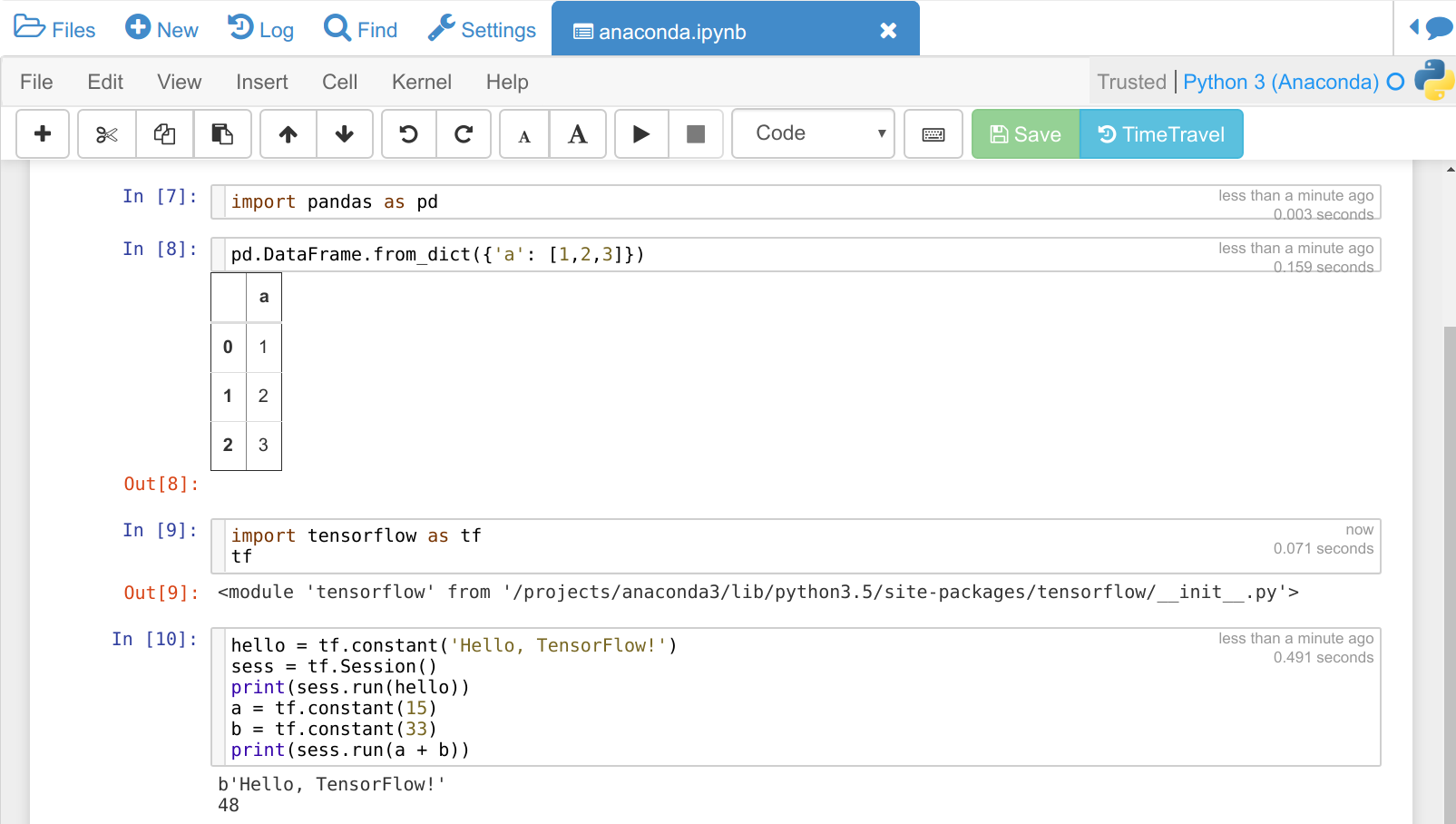
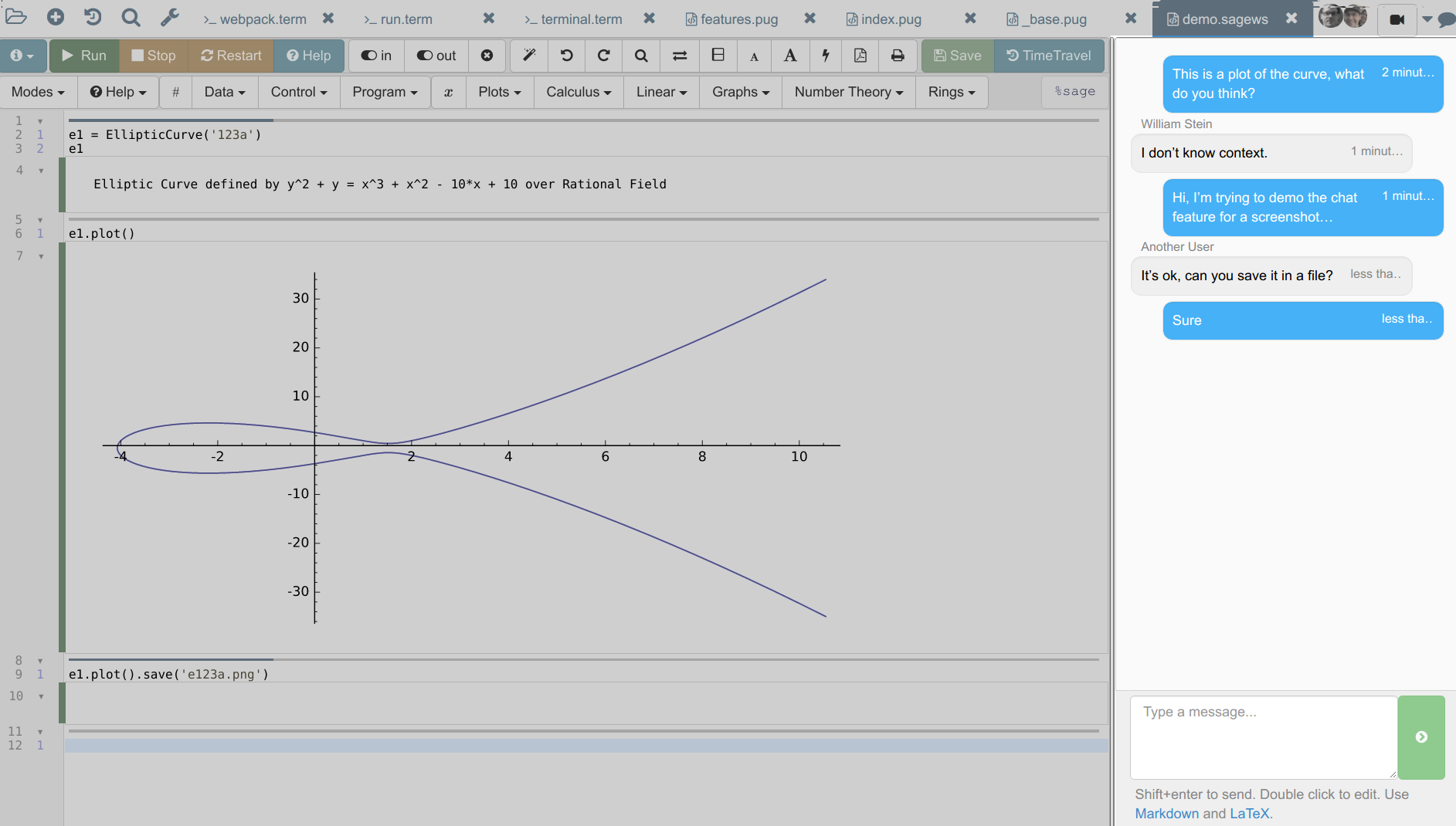
CoCalc supports Jupyter notebooks and SageMath worksheets.
Fully managed Python and R Statistics environments provide a lot of packages/libraries out of the box.
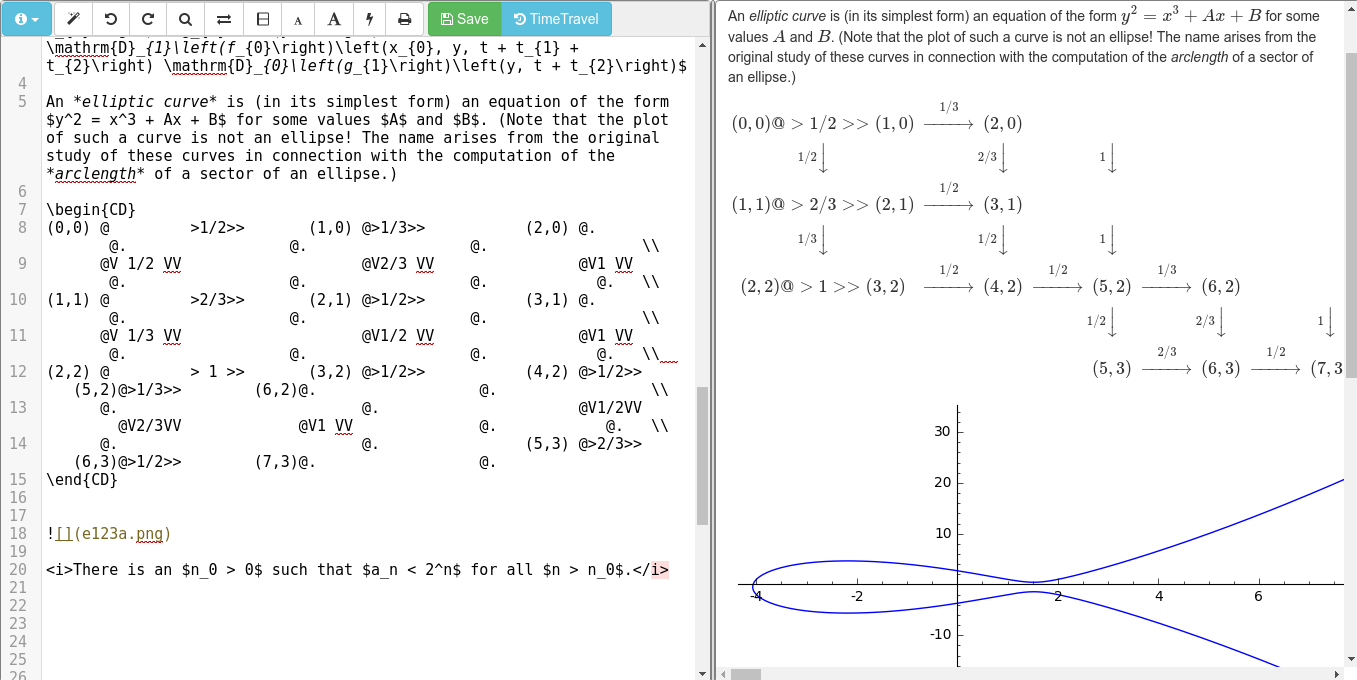
It is also possible to edit LaTeX files and R documents right inside your browser.
A full Linux terminal and an environment to run graphical applications complete CoCalc as a very versatile platform.
Beyond that, CoCalc is made for teaching a class online! Avoid the hassle of installing software on every student's machine and help your students more precisely by collaborating on their notebooks.
Zero Setup
Getting started does not require any software setup. Sign up and create a project to instantiate your own private workspace. Then create a notebook/worksheet or upload your own files – CoCalc takes care of everything else!
- Available software environments: Python, R Statistics, Julia, ...
- Mathematical calculation: SageMath, GAP, SymPy, Maxima, …
- Statistics and Data Science: R Project, Pandas, Statsmodels, Scikit-Learn, TensorFlow, NLTK, …
- Document authoring: LaTeX, Markdown/HTML, RMarkdown, ...
- General purpose computing: Python, Octave, Julia, Scala, …
Collaborative environment
- Share your files privately with project collaborators — all files are synchronized in real-time.
- Exchange thoughts and ideas via chat rooms or side-chat.
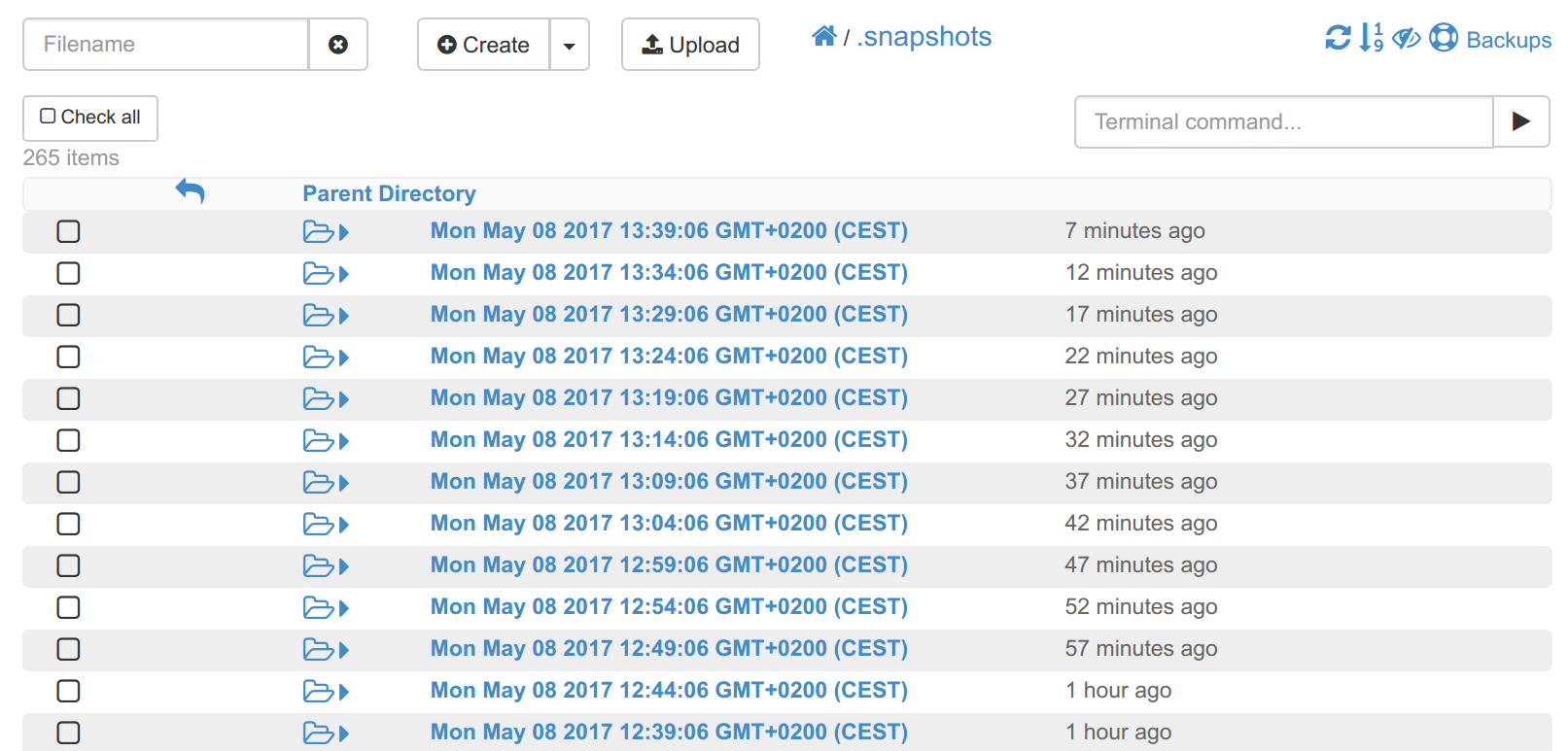
- Time-travel is a detailed history of all your edits and everything is backed up in consistent snapshots.
- Finally, select any document to publish it online.
CoCalc talk by William Stein (Harvard, 2018)
Presentation outline
- Background and history of CoCalc
- Demonstration of functionality
- Architectural overview, underlying tech stack, ...
- Synchronization of documents, the backbone of collaboration
- Collaboration and chat
- Culture, open-source, academic and commercial usage
Start free, upgrade later
A new project runs under a free plan (unlimited trial) has a quota of 1.0 GB memory and 3.0 GB of disk space. Purchasing a subscription and upgrading your projects makes hosting more robust and increases its quotas.
or sign in with your account
Explore CoCalc
Projects
Collaboration
Teaching
Authoring
Unique Features
 Native Jupyter Notebooks
Chat rooms
Time-Travel
Backups
Authoring
LaTeX Editor

Start free, upgrade later
A new project runs under a free plan (unlimited trial) has a quota of 1.0 GB memory and 3.0 GB of disk space. Purchasing a subscription and upgrading your projects makes hosting more robust and increases its quotas.
or sign in with your account
